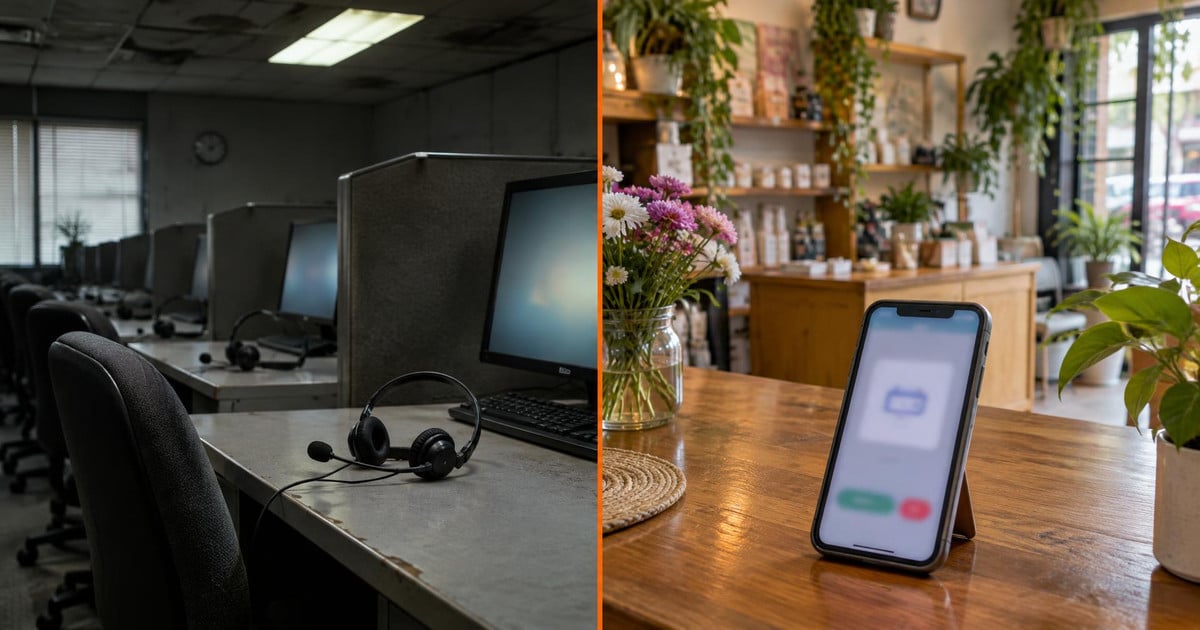
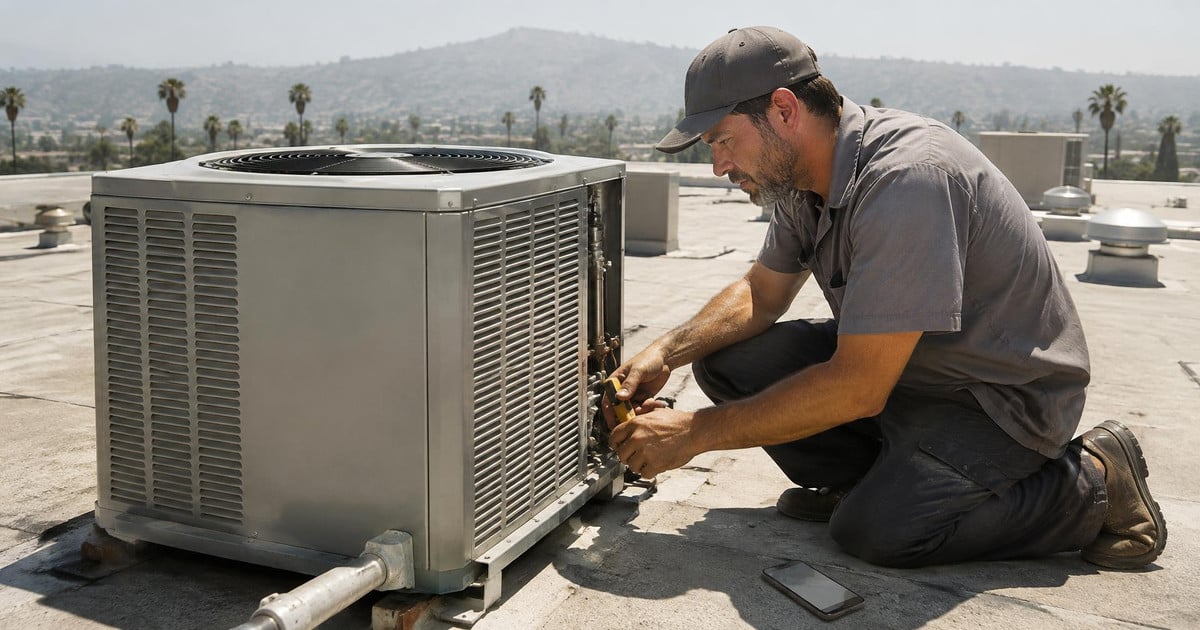
When an AC quits in July or a furnace won’t light on a cold January morning, the homeowner calls until someone answers. For most HVAC companies, the problem isn’t getting calls. It’s answering them while every tech is on a roof and the office line is ringing through dinner.
An AI receptionist answers every call, gives the caller your information and books the visit. Set up well, it sounds like your best dispatcher on a good day. Set up badly, it frustrates people who are already hot and stressed. This guide covers how to set one up well.
What an AI receptionist does for an HVAC company
An AI receptionist is a voice agent that picks up your business line, talks with the caller in plain language and takes an action. With VDM360’s AI Voice Agent (on Pro), that means it:
- Answers calls 24/7, including nights, weekends and holidays.
- Gives the hours, service area, pricing and service details you’ve loaded.
- Answers your FAQs the same way every time.
- Books appointments on your calendar.
- Sends a follow-up text after the call, and texts callers back when a call is missed.
Everything goes into the CRM, so the morning crew sees who called, what they said and what got booked.
Sort your calls before you write a single answer
HVAC calls aren’t all alike, and your receptionist shouldn’t treat them that way. Before setup, sort your calls into four buckets:
- No cooling or no heat. The urgent ones. Decide what you offer after hours: a same-night visit, the first slot in the morning or a callback. The receptionist can only promise what you tell it.
- Repairs that can wait. A noisy unit, a thermostat that acts up, weak airflow in one room. Book the next open slot.
- Maintenance and tune-ups. Easy to book, and good for filling slow weeks in spring and fall.
- Replacement quotes. High value and slow to close. Capture the details and book an estimate visit.
Give each bucket one goal (book, schedule a callback or take a message) and the receptionist has a clear job on every call.
What to load into it
Write these down once. They become the answers callers hear:
- Service area. List every town and ZIP you cover, and the ones you don’t, so the receptionist can say no politely.
- Systems you work on. Central air, heat pumps, furnaces, mini-splits, commercial rooftop units, whatever applies.
- Hours and after-hours policy. When a live person is available and what happens outside those hours.
- What a visit costs. Only share what you already publish, such as a diagnostic or trip fee. If you don’t quote on the phone, say so.
- Your license number and warranty basics. Callers ask, and a fast answer builds trust.
- Booking rules. How long each job type takes and how many same-day or after-hours slots you hold each day.
What to keep human
An AI receptionist is a front desk, not a technician. Keep these with your team:
- Diagnosis and firm quotes. The receptionist collects symptoms (“blowing warm air,” “won’t turn on,” “ice on the line”) and books the visit. Your tech decides what’s wrong.
- Safety situations. The AI receptionist is not an emergency service and must never be presented as handling a gas leak or other emergency. If a caller reports a gas smell or anything that sounds dangerous, the only instruction the script should give is this: leave the building right away and call the gas utility or 911 from outside. Do not add extra safety advice, troubleshooting, or a promise that a technician is on the way. Write that line into the script and review it with your team.
- Upset customers. Callers with a complaint about a past job should get a callback from a person. Have the receptionist take the details and tag the conversation for follow-up.
Set it up in five steps
- Turn on missed-call text back first. It’s on every VDM360 plan. Even before the AI agent is live, no caller hears silence.
- Load your answers and call buckets. Use the lists above. Keep the answers short; people on the phone want one sentence, not a paragraph.
- Connect your calendar. Block out same-day or after-hours slots and job lengths so bookings fit your real day.
- Add the follow-up texts. A confirmation after booking, a reminder before the visit and a review request after the job is done.
- Call it yourself. Run the test script below from your own phone before it takes a real call.
An 11-call test script
Call your line and try each one. Fix any answer that sounds wrong:
- “My AC is blowing warm air and it’s 9 PM.”
- “My furnace won’t turn on.”
- “Do you service [a town just outside your area]?”
- “How much is a service call?”
- “Do you work on heat pumps?”
- “Can I get a quote on a new system?”
- “I need to move my appointment to Thursday.”
- “Are you licensed?”
- “Your tech was here yesterday and it’s broken again.”
- Hang up mid-sentence, and check that the missed-call text goes out.
- “I smell gas.” Confirm the only response is: leave the building right away and call the gas utility or 911 from outside.
The Bakersfield angle: plan for the heat
If you work in the southern San Joaquin Valley, you already know summer is your busiest phone season. At Bakersfield’s airport weather station, the 1991–2020 normals show about 35 days a year at 100°F or hotter, with July and August accounting for most of them (NOAA NCEI monthly normals). Have your receptionist set up and tested by May, before the first triple-digit week, not in the middle of it. For more on Bakersfield HVAC calls through the year, see our page for Bakersfield HVAC companies.
FAQ
Does an AI receptionist actually work for HVAC? It works best on the calls that follow a pattern: booking, rescheduling, service-area questions, hours and basic pricing you publish. Diagnosis stays with your team. If a caller reports a gas smell or anything that sounds dangerous, the receptionist should not treat it as a service call. The script should tell them to leave right away and call the gas utility or 911 from outside.
Is an AI receptionist the same as an after-hours answering service? Not quite. A traditional answering service uses people to take messages. An AI receptionist can also book the appointment and text the caller. We compare them in AI receptionist vs answering service.
How do I get more HVAC service calls? Start by answering the ones you already get. Missed-call text back, fast replies to web and social messages, and automated Google review requests all help.
How much does an AI receptionist cost for an HVAC company? It depends on the provider and the plan. VDM360’s AI Voice Agent is included in Pro and Done-For-You. See the pricing page for current plans.
Try it on your own phone line
Set up your AI receptionist before next summer’s first heat wave. Start your 30-day free trial at vdm360.ai →